How to use OtoOi Reader / Listen on your commute
Listen on your commute
On the train, or while you cook or do the laundry, you can't keep your eyes on a screen. You'd still like to listen to some Korean. Here's how to use Listen for those times.
In the iPhone app, Listen keeps playing when you lock the screen or switch to another app.
Before you start
- Update the iPhone app: Listen keeps playing with the screen locked from version 1.6.1. Update the app on the App Store.
- On the web, keep the screen on: in a browser, Listen stops when the screen turns off or you switch to another app.
- What's free: listening in Korean and the Off and Korean subtitles are free on every piece. The + Meaning subtitles are free for 7 days after a piece comes out; for older pieces they come with a subscription.
How to listen
Before you leaveChoose a piece
We suggest a piece you've already read and understood. When you know what it's about, it's easier to follow where you are without looking at the screen.
How to read a piece: Your first week. Which pieces fit your level: Where to start by level.
StartChoose “Listen” and press play
- Choose “Listen”: open a piece and choose “Listen” in “Read or listen” at the top.
- Set subtitles to Off: you won't be looking at the screen, so Off is fine.
- Press ▶, then lock the screen: it keeps playing, even if you switch to another app.
When you can look at the screen, subtitles help you check what you heard.
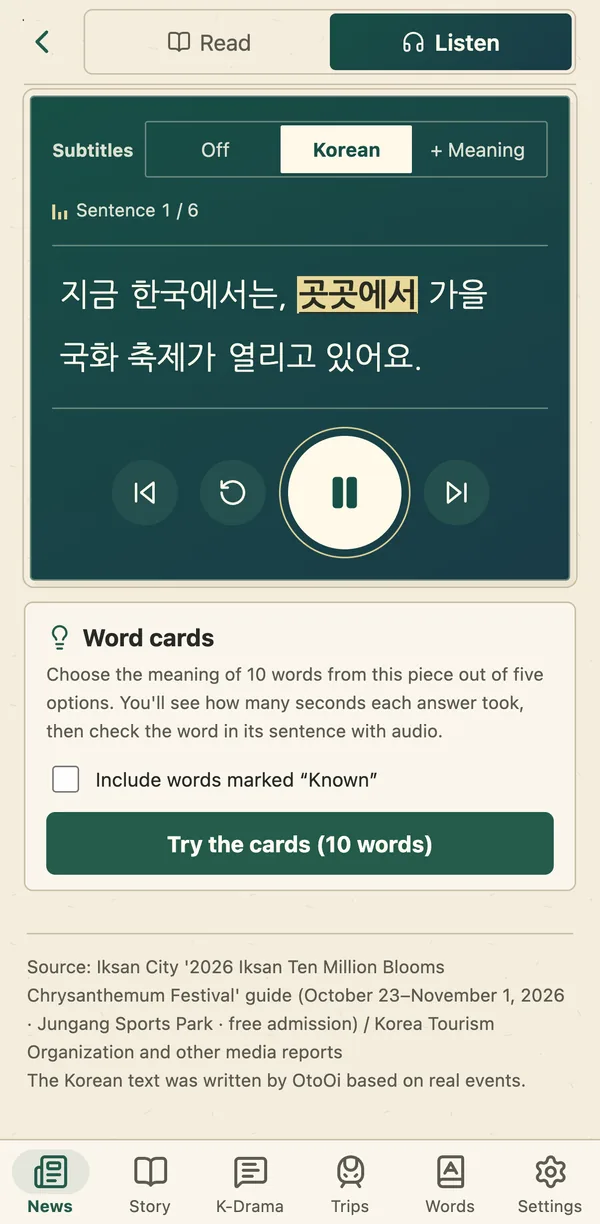
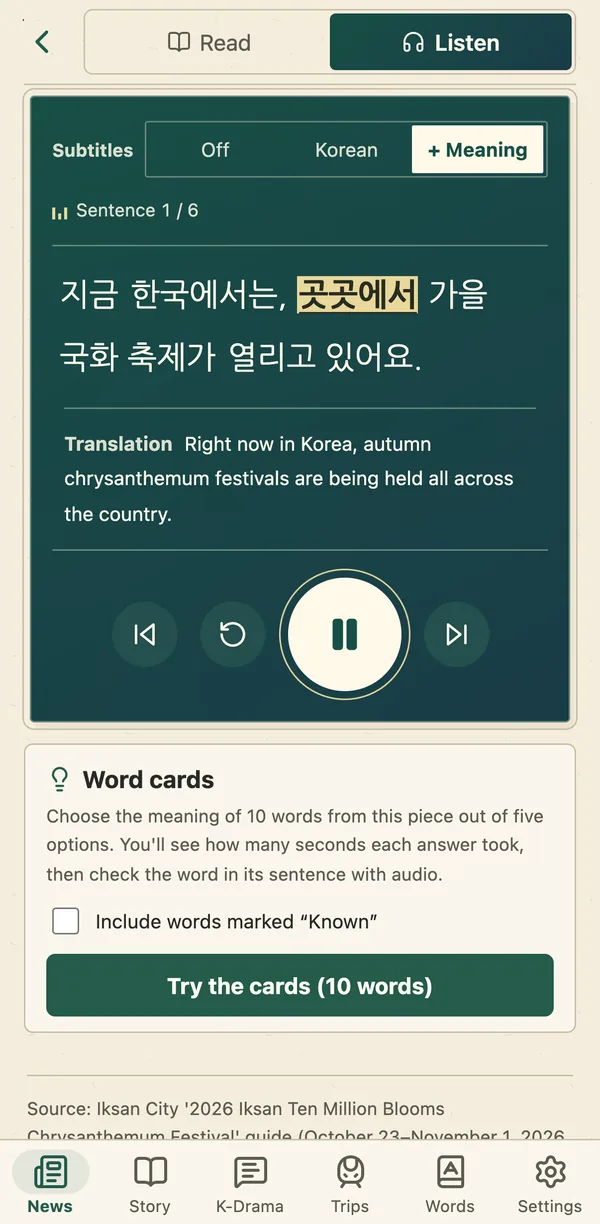
While you listenPause and continue
The lock screen shows the title of the piece you're listening to. To stop, pause it from the lock screen. To continue, open the app and press ▶: it picks up where you stopped.
When you arriveCheck what you heard
When a piece ends, “Check what you heard” lists every sentence, and ↺ plays a sentence again in Korean. Pieces from the last 7 days (any piece with a subscription) show the translation too. Answer “How much did you catch?” with Caught it, About half or Hard, and the app suggests how to listen next time.
For sentences you didn't catch, go back to “Read” and check them with the sentence audio and the word meanings. You can listen to the same piece again on your next trip.
Try it with this week's pieces.
This page reflects the app as of November 12, 2026.